Not long ago, building an AI agent that could send and receive iMessages meant relying on unofficial workarounds and hoping they held up. But that era is over.
Linq provides enterprise-grade infrastructure that lets your AI agent send and receive iMessages directly, so it can hold two-way conversations with users using text, links, emojis, and other rich media that feel human. You can also get it running in a couple of days, not weeks.
So how does it actually work? This guide walks you through the whole thing: what an iMessage API for AI agents is, what you need before you start, and a step-by-step framework for setting it up with Linq.
What is an iMessage API for agents?
An iMessage API for agents is a software interface that allows an AI agent to send and receive text messages via Apple's native iMessage network.
No official Apple iMessage API exists (Apple limits iMessage to personal Apple devices), so third-party companies (like us) build specialized infrastructure that lets businesses and autonomous AI agents tap into the network.
Here's how:
- Your AI sends a message from a server, but it lands on the user's iPhone as a native blue bubble.
- Users reply to the AI exactly how they'd text a friend, and the AI processes the message instantly.
- The API lets your AI agent send and receive photos, videos, audio messages, and interactive links.
Why are brands using iMessage as their AI agent's communication channel?
Deploying your AI agent via iMessage gives you a competitive edge by shifting the entire AI experience from a clunky web browser to a conversational layer people already trust and use every day.
Here's why brands like Lindy have quickly adopted iMessage for their AI agents:
- The blue bubble builds trust. People trust the blue bubble because it signals a verified contact, not a stranger. Unlike SMS from unknown numbers, which users often dismiss as spam or a marketing blast, a blue bubble reads like a text from someone they know. That's why iMessage sees open rates near 98%, compared to about 20% for email.
- There's zero friction to start. Your users don't need to install an app, create new login credentials, or navigate a clunky web widget because the agent appears inside an app they already have open. So they can simply reply the moment a message from your agent arrives.
- Instant deployment. Launching a business SMS line takes weeks of regulatory compliance and campaign approval through A2P 10DLC. iMessage, however, routes directly through Apple's servers rather than carrier networks, so you skip that process entirely and start sending messages right away.
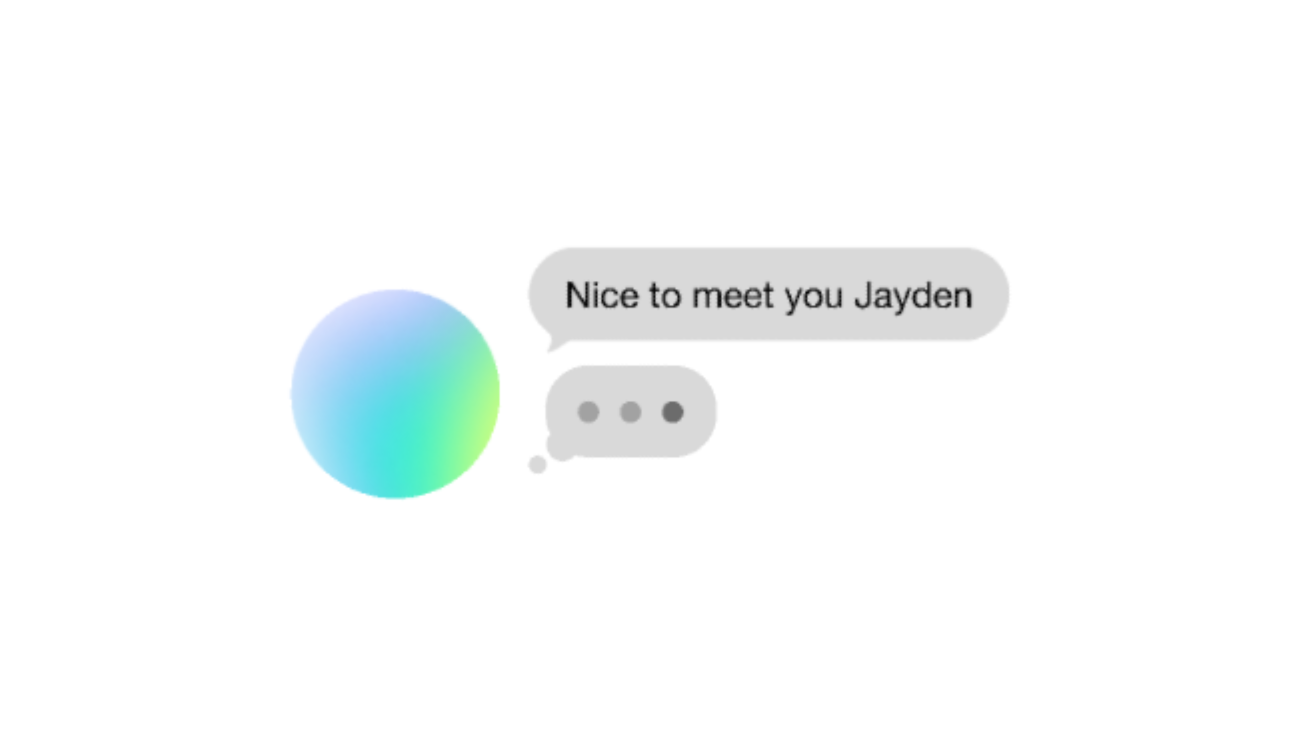
- Native UX features mask AI latency. Large language models (LLMs) often take a few seconds to write a reply. With a provider like Linq, your agent can trigger the native iMessage "..." typing bubble while it thinks, so the wait feels natural. The agent can also send read receipts and tapbacks, making it feel like it's actively in the conversation.
What you need before you start
Getting your agent running on iMessage is quick, but you'll need to have a few things ready before the first message can be sent, including:
- An API key. Your API provider gives you a bearer token that authenticates every request you make. Keep it somewhere safe, since it's how the API confirms each request is coming from you.
- A phone number for your agent. You'll need a dedicated number tied to your account. This is the number your agent texts from and the one users reply to.
- A webhook endpoint. You'll also need a public HTTPS URL to which incoming messages are sent. This is how your agent knows when a user has texted it.
- The LLM you're wiring in. This is the model that generates your agent's replies. If your API provider is model-agnostic, you can build on Claude, GPT, or another model that fits your use case.
How to set up iMessage for your AI agent using Linq
Setting up your agent on iMessage with Linq is more straightforward than you might expect. Here's a step-by-step framework to get your agent up and running in iMessage:
Step 1: Get API access
First, sign up for Linq's sandbox to get access to the Linq Partner API. From there, you'll need a bearer token. This token determines which phone numbers you can send from, which data you can access (chats, messages, and attachments), and your rate limits and daily message quotas.
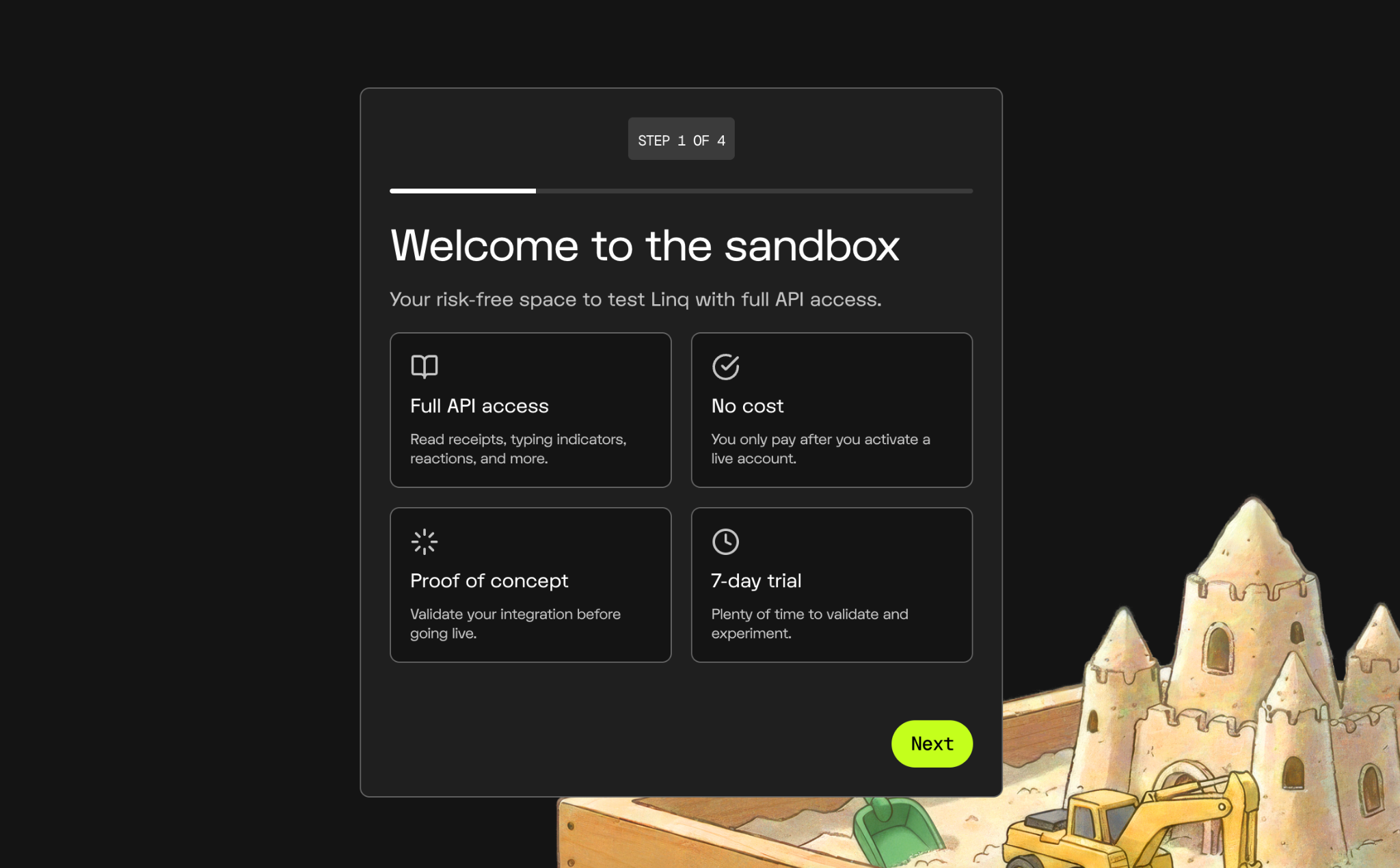
You can get a token in two ways:
- Generate one yourself from the Linq Developer Dashboard. Click API in the sidebar, select Overview, then tap Generate new token.
- Ask your Linq partner representative. They'll review your AI agent's conversational use case and provision an active enterprise bearer token straight to your account.
Once you have your token, copy it and store it in a secure file.
Before you go live, you can develop and test with Linq's sandbox. It gives you a temporary test phone number along with your API keys, so you can try everything out safely before trying to reach real users.
Once your code works perfectly in the sandbox, you can upgrade to a permanent phone number or link your brand's custom number to send blue-bubble messages.
Step 2: Send your first message
In the sandbox, create a chat and send a plain-text iMessage to a number you can check (like your own phone) so you can watch it arrive.
Use whichever stack you work in.
cURL
curl -X POST https://api.linqapp.com/api/partner/v3/chats \
  -H "Authorization: Bearer $LINQ_API_KEY" \
  -H "Content-Type: application/json" \
  -d '{
    "from": "+12223334444",
    "to": ["+15556667777"],
    "message": {
      "parts": [
        { "type": "text", "value": "Hello from Linq!" }
      ]
    }
  }'
TypeScript
import LinqAPIV3 from '@linqapp/sdk';

const client = new LinqAPIV3({
  apiKey: process.env.LINQ_API_KEY,
});

const chat = await client.chats.create({
  from: '+12223334444',
  to: ['+15556667777'],
  message: {
    parts: [
      { type: 'text', value: 'Hello from Linq!' }
    ],
  },
});

console.log('Chat created:', chat.id);
console.log('Message ID:', chat.last_message?.id);
Python
import os
from linq import LinqAPIV3

client = LinqAPIV3(api_key=os.environ["LINQ_API_KEY"])

chat = client.chats.create(
    from_="+12223334444",
    to=["+15556667777"],
    message={
        "parts": [
            {"type": "text", "value": "Hello from Linq!"}
        ]
    },
)

print(f"Chat created: {chat.id}")
print(f"Message ID: {chat.last_message.id}")
The from value is the number provisioned to your account, and to contains the number(s) you're sending the message to in E.164 format (+12223334444, no spaces or dashes).
Linq returns the new chat and message, each with an ID you can use later for replies and threading. If the recipient has iMessage, your text lands as a blue bubble within seconds. That's how you know it's working.
Step 3: Set up a webhook to receive replies
Your agent can send messages now, but it also needs to know when someone replies. A webhook handles that.
Instead of your code constantly checking Apple's servers for new iMessages, Linq pushes event data to a URL you own as soon as something happens, such as a user sending a message, a message being delivered, or a user typing. Your agent can then react (or respond) to those events in real time as they arrive.
Here's how to set up a webhook:
- Build a public webhook endpoint. Create an open endpoint on your backend server that accepts incoming
POSTrequests over a secureHTTPSURL. During initial local development, a tunneling tool like ngrok or Linq's CLI can route live traffic to your laptop (localhost), so you can test before you deploy. - Create a webhook subscription in Linq. Supply your public server URL to Linq, either through the Linq dashboard or the API endpoint. Then pick which events trigger a push. For AI agents, the one that matters most is
message.received, but you can also listen to typing indicators, read receipts, or participant changes in group chats. - Specify a payload version. Add a timestamp version to your subscription URL in the format
?version=YYYY-MM-DD. This locks the payload format in place, so a future formatting change won't break your live agent. If you skip it, the subscription uses the latest version available at the time you created it.
Note: When you register your webhook, Linq generates a signing secret that you should store securely on your server.
Every request Linq sends includes a cryptographic signature in its header metadata. Before your agent processes the payload, your code checks the raw, unparsed request body against your secret key to confirm that the request came from Linq. Linq provides official SDKs with built-in functions that automate this check for you.
Step 4: Connect your LLM
When a user replies to your number, Linq sends the message to your server as a webhook immediately. Your server then passes that message to your preferred AI model, whether that's Claude, GPT, or your own custom model.
But you can't forward the message to the model on its own, because it won't know who the sender is or the conversation history. So, before you call the model, wrap the incoming message in context.
- Look up the sender. Linq attaches a unique ID or phone number to every incoming text. Your server uses it to check your database (Redis, Supabase, PostgreSQL) to see if that person has texted your agent before.
- Bundle the history. If a history exists, your server pulls the last 10–15 messages from your database, stacks them in order, adds the incoming text at the bottom, and hands the entire "bundle" to the LLM. Now the model can answer with the full conversation in view.
- Save the new exchange. Once the model generates a reply, your server does two things: it updates your database with the latest exchange and sends a reply to the user via Linq.
Step 5: Make the communication feel real-time
A few seconds of model latency can make your agent feel robotic. To hide that delay and make your AI agent feel like a real human typing on an iPhone, you can use Linq's API to trigger read receipts and typing bubbles.
- Send a read receipt. The moment Linq tells your server that a new message has arrived, your server immediately sends a command back to Linq to mark it as read. On the user's iPhone, the status updates right away, so they know the agent is looking at the thread.
- Turn on the typing bubble. Next, your server sends a command telling Linq to switch typing indicators on. The familiar pulsing dots ("...") appear in the conversation window, like someone is typing a reply.
- Let the model think. While the dots are on the user's screen, your server passes the message to your LLM. The model generates a reply and sends it back to your server.
- Turn the bubble off and reply. Once the reply is ready, your server tells Linq to switch off the typing indicators (which clears the dots) and then delivers the message.
Step 6: Test the full loop
Now that everything's connected, run the whole thing end-to-end. Remember the message you sent from Linq to your phone back in Step 2? This time, go the other way: from your phone, text the agent's number and confirm the reply comes back.
This round-trip test proves that the webhook fired, your server added conversational context and called the AI model, the read receipts and typing bubble showed, and the response came back to your phone as a blue bubble.
Don't call setup done until this full loop works.
How to make your agent feel less like a bot
Once the basic loop works, the same Linq API opens up richer ways to interact, including:
- Group chats. Your agent can join group chats and act as a concierge for several people at once. For example, it can coordinate travel plans among friends, split a bill, or introduce students in a university cohort.
- Rich media. Your agent can send and receive images, file attachments, and voice notes, not just text.
- Tapbacks and reactions. Your agent can react with a heart or thumbs-up. These give it a quick, wordless way to acknowledge something—like confirming that it got a request—without sending a new message.
- iMessage Apps. Your agent can send interactive cards that users can tap to do things like make payments, book flights, and listen to music, all inside the thread. There are many possibilities to be explored here.
Why reliability and compliance matter with iMessage for AI agents
Apple guards iMessage tightly to keep users safe from spam and phishing. If your server experiences downtime or high latency, your AI agent may start misbehaving: sending broken messages, looping the same reply, or triggering carrier blocks. Any of these can make Apple ban the associated Apple IDs and phone numbers on the spot.
Furthermore, legal frameworks like the TCPA (Telephone Consumer Protection Act) and carrier guidelines strictly regulate automated messaging. Since iMessage connects directly to a user's personal phone number, failing to enforce explicit opt-ins, secure data handling, or automated opt-out keywords (like "STOP" or "UNSUBSCRIBE") exposes your business to heavy statutory fines and lawsuits.
Using a compliant platform like Linq ensures your infrastructure routes data securely and adheres to legal requirements. Linq offers:
- SOC 2 Type II certification. This provides verifiable proof that your customers' message data is handled in accordance with rigorous corporate security and privacy standards. Linq is the only iMessage API with this certification.
- Contractual 99.95% uptime SLAs. Linq backs its platform with explicit service level agreements (SLAs), guaranteeing 99.95% uptime so your AI agent is never unresponsive.
- Ultra-low latency. Outbound messages route with a P95 latency of under 120 milliseconds. This means when your LLM finishes generating a thought, Linq delivers it to the user's phone almost instantly.
- Scale that's proven. Linq is built for scale, successfully routing over 150 million messages. Over 1,000 teams are already building on it.
- Predictable, flat-rate pricing. Instead of charging per message, Linq charges a flat monthly rate per phone line (which can save you thousands of dollars).
- Secure encryption. Your messages are encrypted end-to-end, so they stay private to you and your users. Even Linq can't read them.
Ready to build your iMessage agent with Linq?
People trust iMessage. A blue bubble indicates the message is from a verified number, so when your AI agent texts a user there, they're more likely to open it and reply than they would to an email or an SMS from an unknown number.
Linq makes it easy to integrate your AI agent with iMessage. You can have it sending and receiving messages in the sandbox within minutes, and then transition to a permanent, custom-branded business line in a couple of days.
All of it runs on infrastructure that keeps your data secure and helps you stay compliant with the regulations governing automated messaging.
Ready to start? Send your first iMessage with Linq's sandbox today.